Set Up IPTV on a Samsung Smart TV
Identify the Samsung model and Tizen version, install a maintained player and test an authorized stream at the television location.
Read guideChoose a maintained device with a suitable store, decoder, storage, remote and network connection.
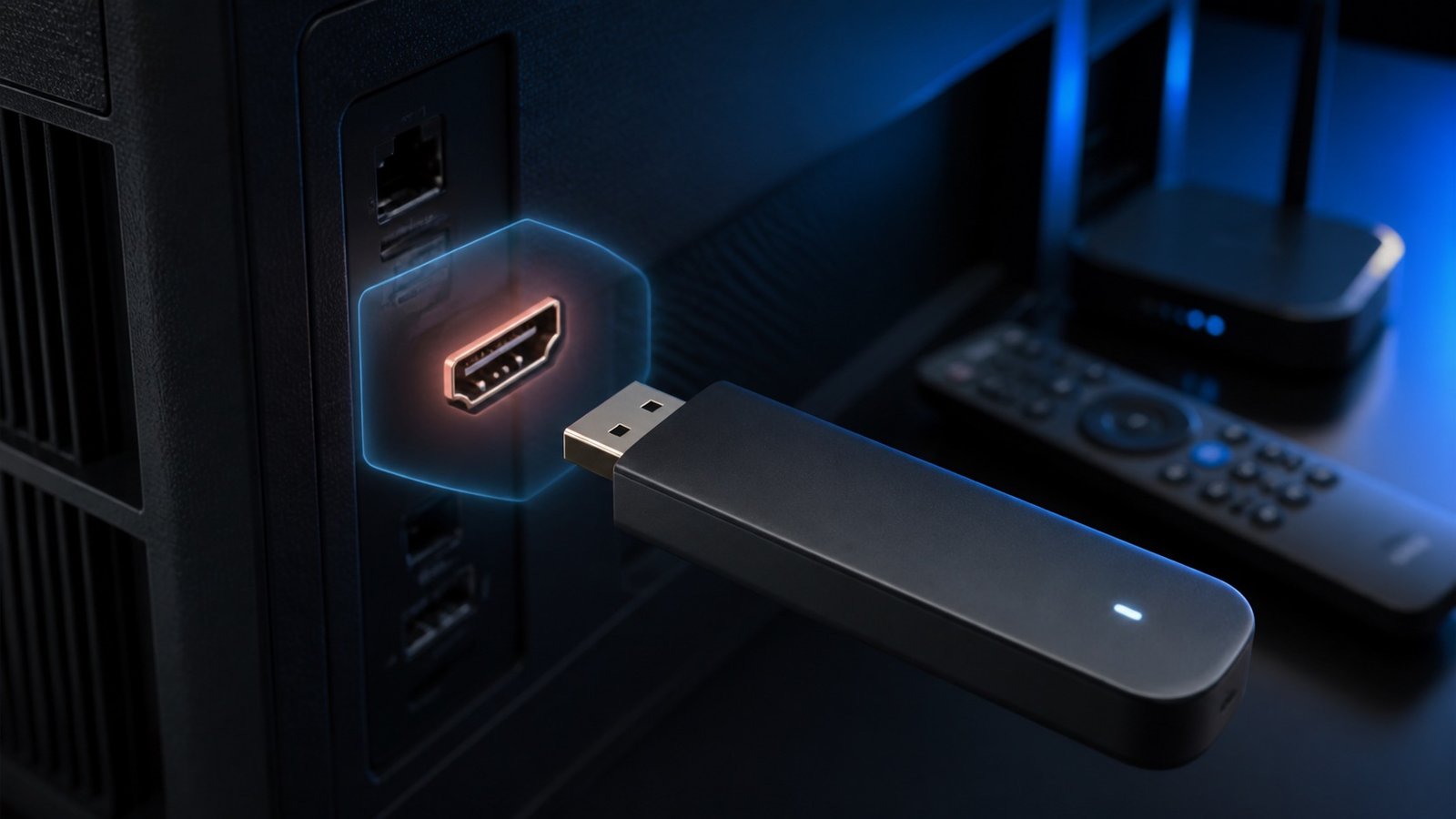
The best device is maintained, supports a trusted app store and required codecs, and remains stable at the real TV location. Model year and operating system matter more than a generic brand label.
Start with the exact outcome you need. Write down the primary device, number of screens that must play at the same time, a short list of priority channels, preferred duration and maximum total cost. This prevents a large feature list from hiding the decision that actually matters.
Next, separate the player application from the content subscription. Check the app publisher and supported operating system independently from the seller, plan, channel authorization and contract. A working player cannot validate the source connected to it.
Choose one concrete question and open the guide that owns that intent. Record the exact plan, device, application, network and date so the answer remains traceable. Do not combine a commercial claim, technical observation and legal conclusion in one unsupported score; each needs its own evidence.
For Devices, begin with the must-have outcome and define a pass condition before testing. Use the real household setup and normal viewing period. Keep unknown values visible, change only one technical variable at a time and save the final working configuration without storing credentials in a shared document.
A device or app result should link to the quality test that confirms playback. A channel requirement should link to the plan and rights evidence that applies to it. A troubleshooting result should identify whether the next action belongs to the account, source, network, player, decoder or display. These contextual links create a useful journey rather than a collection of isolated articles.
Recheck volatile facts before acting: app-store availability, firmware, prices, renewal, channel lineups, sports seasons and support procedures can change. The publication date is not a guarantee that every external fact remains current. Prefer official documentation for devices and applications and plan-specific evidence for commercial or authorization claims.
Each guide owns a distinct question and links back to the relevant hub.
Identify the Samsung model and Tizen version, install a maintained player and test an authorized stream at the television location.
Read guideCheck LG webOS compatibility, official-store availability, storage and decoder behavior before testing a private authorized account.
Read guideInstall a trusted Android TV or Google TV player, keep credentials private and verify remote, EPG, playback and background recovery.
Read guidePrepare Fire TV storage and network access, install a trusted player, then test authorized playback, audio focus and remote controls.
Read guideUnderstand Roku channel-app limitations, favor official supported services and avoid assuming Android installation instructions apply to Roku OS.
Read guideChoose a maintained tvOS player from the App Store, connect an authorized source privately and test EPG, captions and remote behavior.
Read guideUse an App Store player, protect account details and measure cellular data, battery and background playback before regular use.
Read guideCompare Fire TV, Google TV, Apple TV and other maintained devices by updates, store, codec support, Ethernet options, storage and usability.
Read guide